How to Troubleshoot a Broken Thermostat
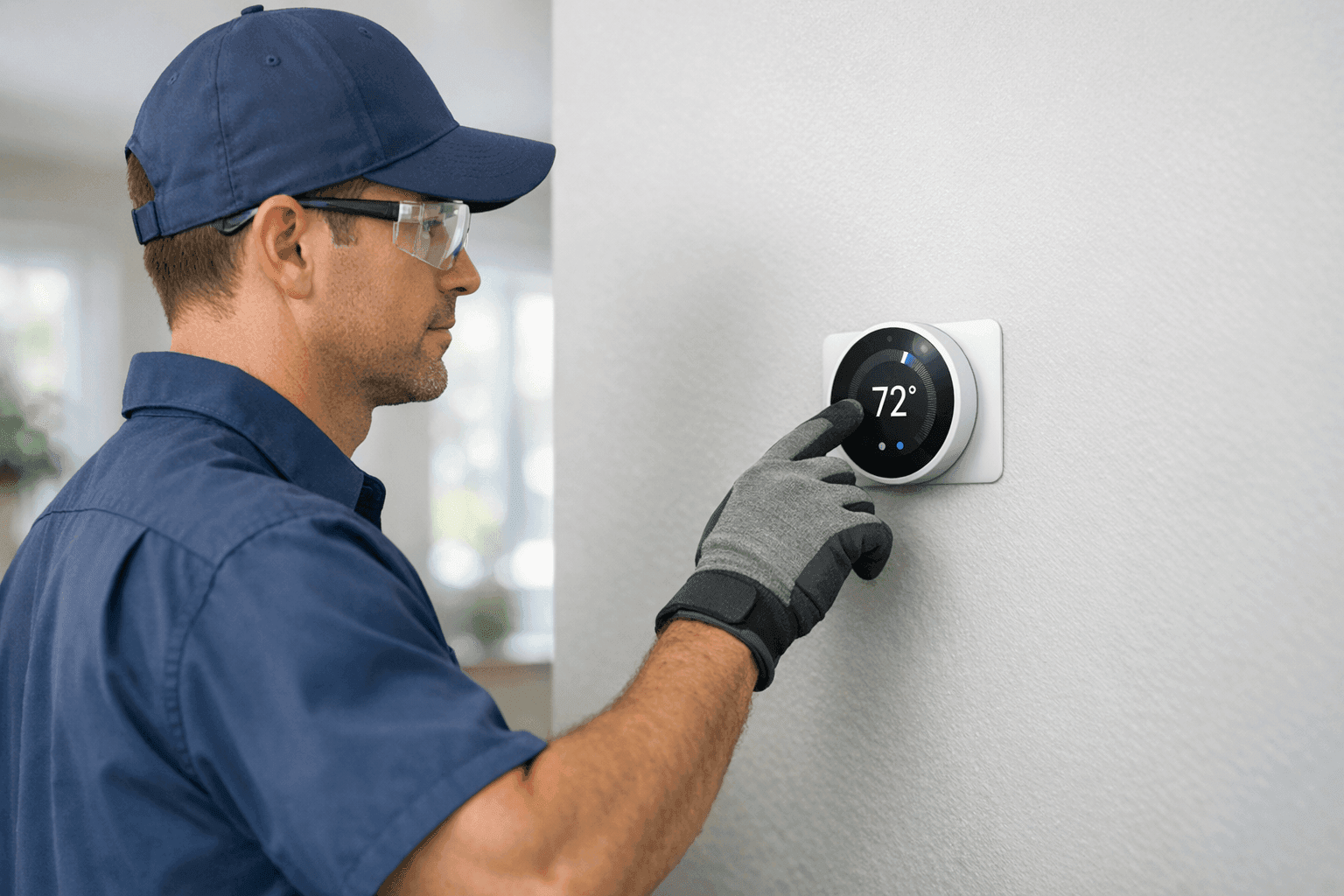
Is your home or office suddenly too hot, too cold, or just not comfortable? A broken thermostat can throw your whole day off. At Matlock HVAC, we know how frustrating it is when your system won’t listen. A thermostat may be small, but it’s the brain of your comfort system.
Before you panic, let’s walk through the most common thermostat issues and practical steps you can take. Sometimes, it’s a quick fix. Other times, you’ll want a pro on your side. Here’s what you need to know.
Common Thermostat Issues 🛑
Thermostats can fail in ways that aren’t always obvious. Here are some of the most frequent problems we see:
- Dead batteries: Like a flashlight that won’t turn on, a thermostat with dead batteries is powerless.
- Faulty wiring: Wires can loosen or corrode over time, breaking the connection between your thermostat and your HVAC system.
- Calibration errors: If your thermostat reads the wrong temperature, your comfort takes a hit.
- Stuck relays or switches: Sometimes, the internal parts get stuck—think of a light switch that won’t flip.
- Old or outdated models: Thermostats, like any tech, don’t last forever.
When your system isn’t responding, it’s often one of these culprits.
Quick Safety Checklist
Before you touch anything, safety comes first:
- Turn off power at the breaker to your HVAC system.
- Remove jewelry and avoid wet hands.
- Use insulated tools if you need to check wiring.
Remember, electricity and HVAC systems are not forgiving. If you’re ever unsure, step back and call a professional.
Signs Your Thermostat Is the Problem
How do you know it’s the thermostat and not something bigger? Look for these clues:
- The display is blank or unresponsive.
- The system doesn’t turn on, even after adjusting settings.
- Room temperature doesn’t match the display.
- The heating or cooling runs nonstop, or not at all.
- You hear clicking, but nothing happens.
If you spot these signs, your thermostat is waving a red flag.
Quick DIY Tests
You don’t need a toolbox full of gadgets to start troubleshooting. Try these steps:
- Check the batteries: Open the cover and swap in fresh batteries. Sometimes, that’s all it takes.
- Inspect the display: If it’s blank, try resetting the thermostat. If that fails, batteries or wiring may be to blame.
- Test the settings: Set the temperature several degrees above or below the current room temp. Listen for a click or the system starting up.
- Check the circuit breaker: A tripped breaker can cut power to your thermostat and HVAC system.
- Gently clean the unit: Dust and debris can block sensors. Use a soft brush or compressed air.
If the system springs to life, you’ve found your fix. If not, keep reading.
When to Replace vs. Repair
Not every thermostat problem means you need a new one. Here’s how to decide:
- Replace if the unit is over 10 years old, the display won’t come back, or you want smart features.
- Repair if it’s a simple wiring issue, battery swap, or minor calibration.
If you’re weighing your thermostat replacement options, consider energy savings and compatibility with your current HVAC setup.
Resetting and Reprogramming
Thermostats can lose their minds, just like computers. A reset can help:
- Consult your manual: Each model resets differently.
- Press the reset button (if available) or remove batteries for 30 seconds.
- Reprogram your schedule: Set your preferred temperature times for day and night.
Digital models sometimes need a full reboot after a power outage or system glitch.
Common Mistakes to Avoid 🚫
Everyone makes mistakes, but some can cost you:
- Forcing the cover: Don’t pry the thermostat open with sharp objects.
- Ignoring the manual: Each thermostat is unique—reading the guide saves time.
- Skipping the breaker: Never work on a live circuit.
- Guessing the wiring: Mixing up wires can damage your HVAC system.
When in doubt, hit pause and call for help.
When It’s a Wiring Problem
Wiring is the nervous system of your thermostat. If you see:
- Corroded or frayed wires
- Loose connections
- Discolored terminals
It’s time to stop and call in the pros. According to the National Electrical Code (NEC), only qualified individuals should handle electrical repairs.
When to Call an Expert
If you’ve tried the basics and your system is still stubborn, it’s time for backup. An experienced technician will:
- Test voltage and continuity safely
- Inspect for hidden wiring faults
- Calibrate your thermostat correctly
- Check compatibility with your HVAC system
For stubborn or recurring issues, professional HVAC repair services are your best bet.
Timeline & Disruption: What to Expect
A simple battery swap or reset takes minutes. Wiring repairs or full replacements may take an hour or two. Most fixes cause little disruption, but it’s smart to plan for a brief system downtime.
Prevention & Maintenance Tips 🛠️
A little care goes a long way. Try these habits:
- Change batteries every year
- Dust the thermostat gently each season
- Check settings after power outages
- Schedule annual HVAC maintenance
Simple steps keep your system humming along.
Seasonal Considerations
Thermostats work harder during extreme seasons. In summer and winter, check your settings, clean the sensors, and make sure your schedule matches your comfort.
If you’re seeking Port St. Lucie HVAC services, Matlock HVAC is ready to help—especially during those peak weather swings.
When It’s an Emergency
If your thermostat fails during a heatwave or freeze, don’t wait. Loss of heating or cooling can be dangerous, especially for kids, older adults, or pets. Emergency HVAC support is available 24/7.
Preparing for Service
Before your technician arrives:
- Note any error codes or odd behavior
- Clear the area around your thermostat
- Have your system manual nearby
This helps us get you back to comfort, fast.
FAQ: Thermostat Troubleshooting
Q: Can I install a new thermostat myself? A: Some models are DIY-friendly, but if you’re unsure about wiring or compatibility, call a pro.
Q: How often should I replace my thermostat? A: Most last 10–15 years. Upgrade sooner if you want better features or notice recurring problems.
Q: Will a new thermostat lower my energy bills? A: Programmable and smart thermostats can help, but only if set up correctly.
Q: What’s the best way to find humidifiers near you? A: Ask your local HVAC provider—Matlock HVAC offers a full range of indoor air quality solutions.
Final Thoughts
A thermostat may be small, but it plays a huge role in your comfort. If yours is acting up, don’t ignore the signs. Sometimes it’s a quick fix, and sometimes you need professional thermostat help. Either way, Matlock HVAC is here to keep your home or business running smoothly.
Call Matlock HVAC now — or reach us anytime at 844-484-6545 .